
Your tools ask for a bundle ID. Your Mac doesn’t show it.1

Set a rule in AeroSpace to float a window:
{ if = 'test %{app-bundle-id} = bundle ID', run = 'layout floating' },When does a bundle ID come up?
Whenever a tool has to point at one app, and only that one.
Window managers
Float System Settings in AeroSpace:
on-window-detected = [
  { if = 'test %{app-bundle-id} = com.apple.systempreferences', run = 'layout floating' },
]
Automation
A Hammerspoon hotkey that brings up Mail:
hs.hotkey.bind({"cmd", "alt"}, "M", function()
  hs.application.launchOrFocusByBundleID("com.apple.mail")
end)
Mac admins
A configuration profile that manages Slack’s settings:
<key>PayloadType</key>
<string>com.tinyspeck.slackmacgap</string>
And many more…
You can’t guess it
Messages com.apple.MobileSMS
System Settings com.apple.systempreferences
Slack com.tinyspeck.slackmacgap
The bundle ID is not the name.

BundleHound
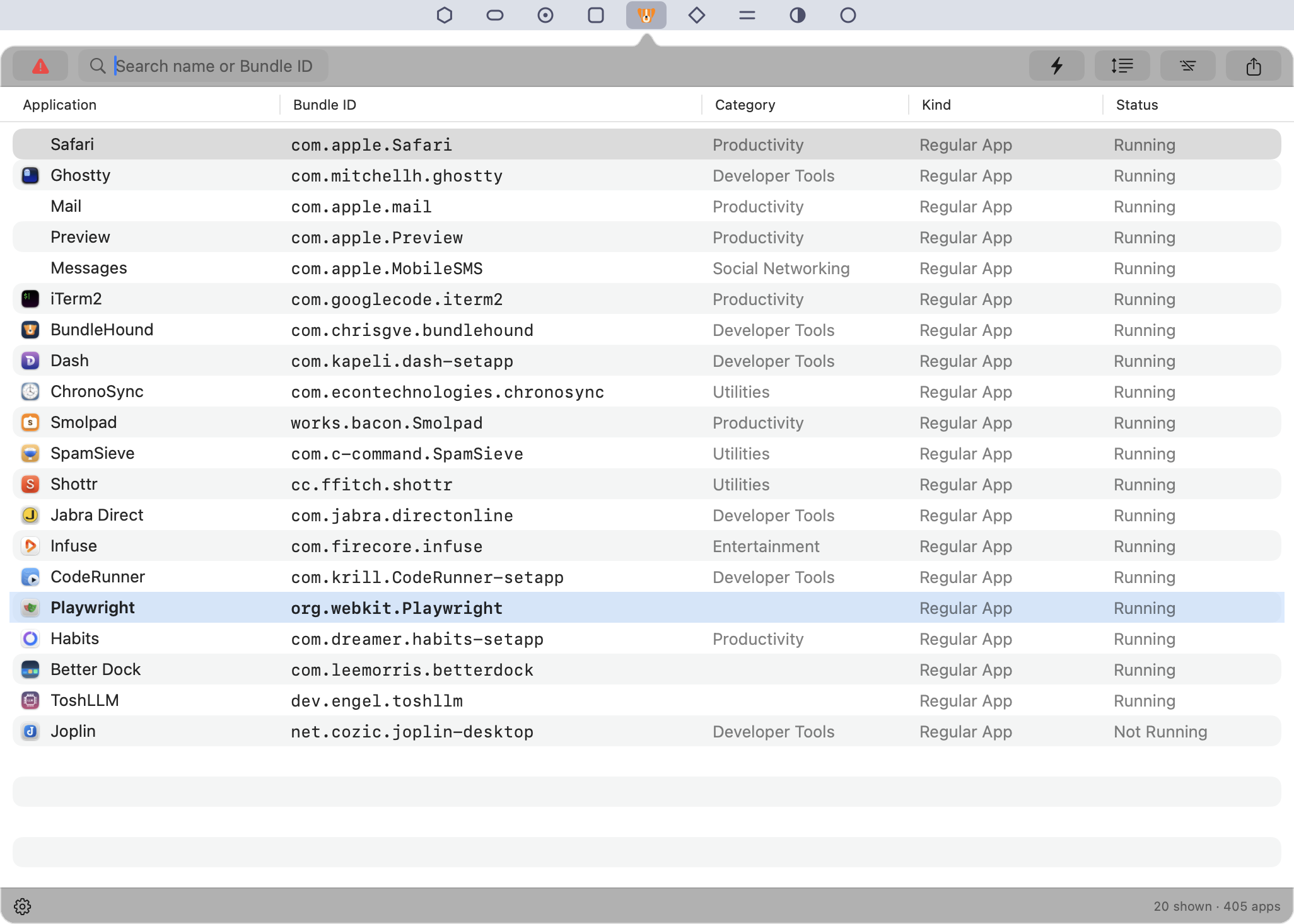
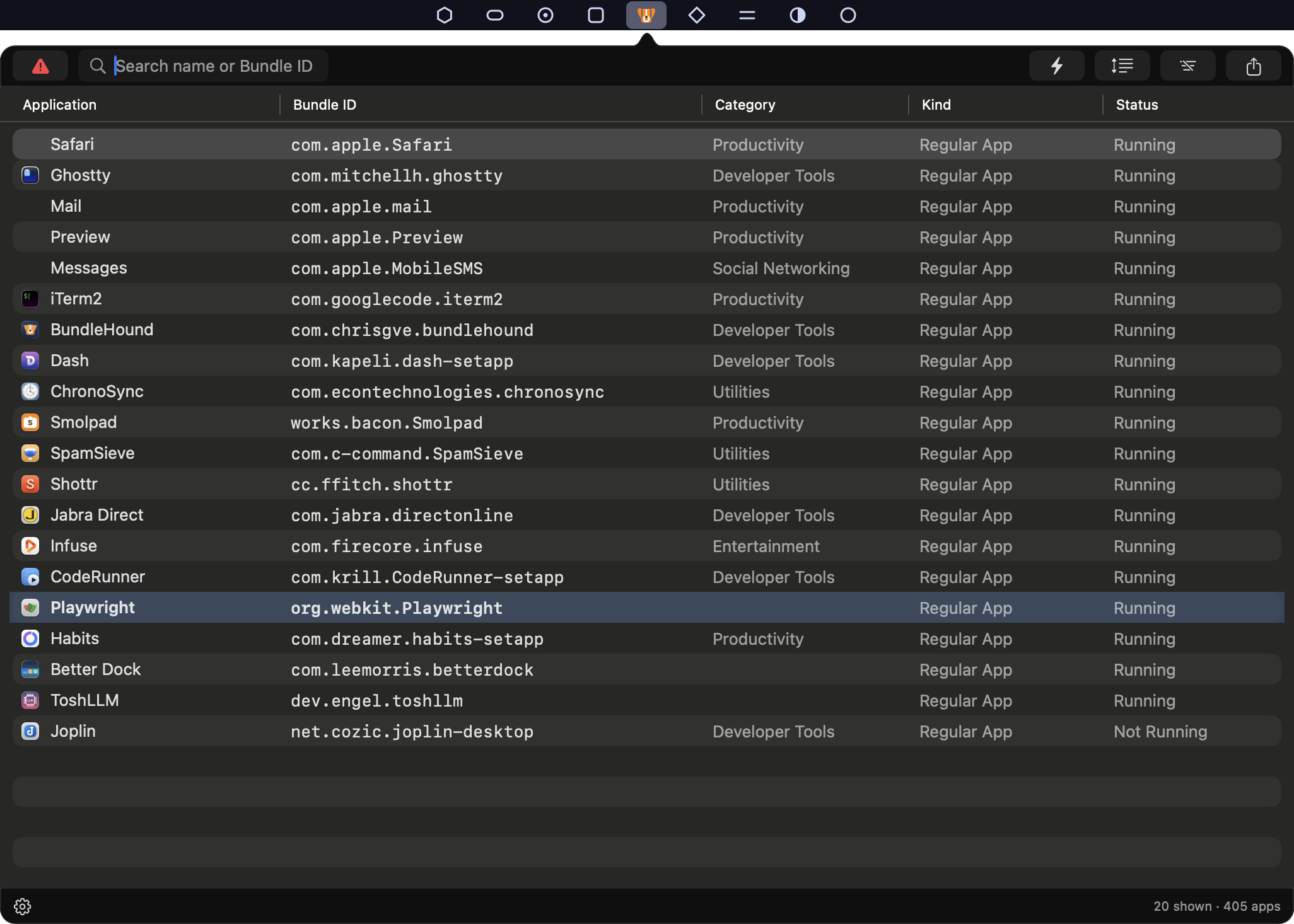

BundleHound lists every app on your Mac with its bundle ID.
Double-click, and it’s on your clipboard.
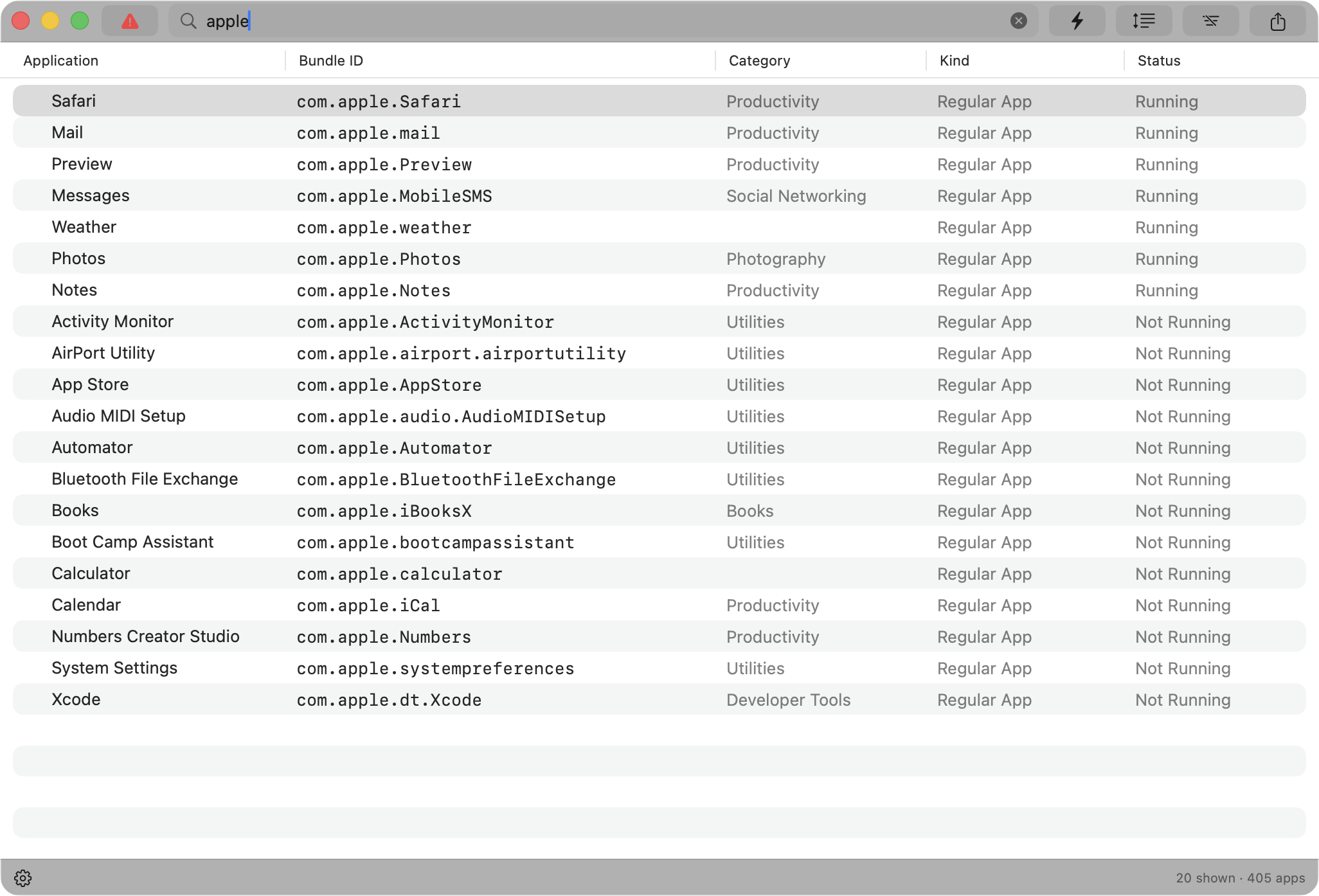
Type a few letters
Part of a name or part of an ID. The list narrows as you type.
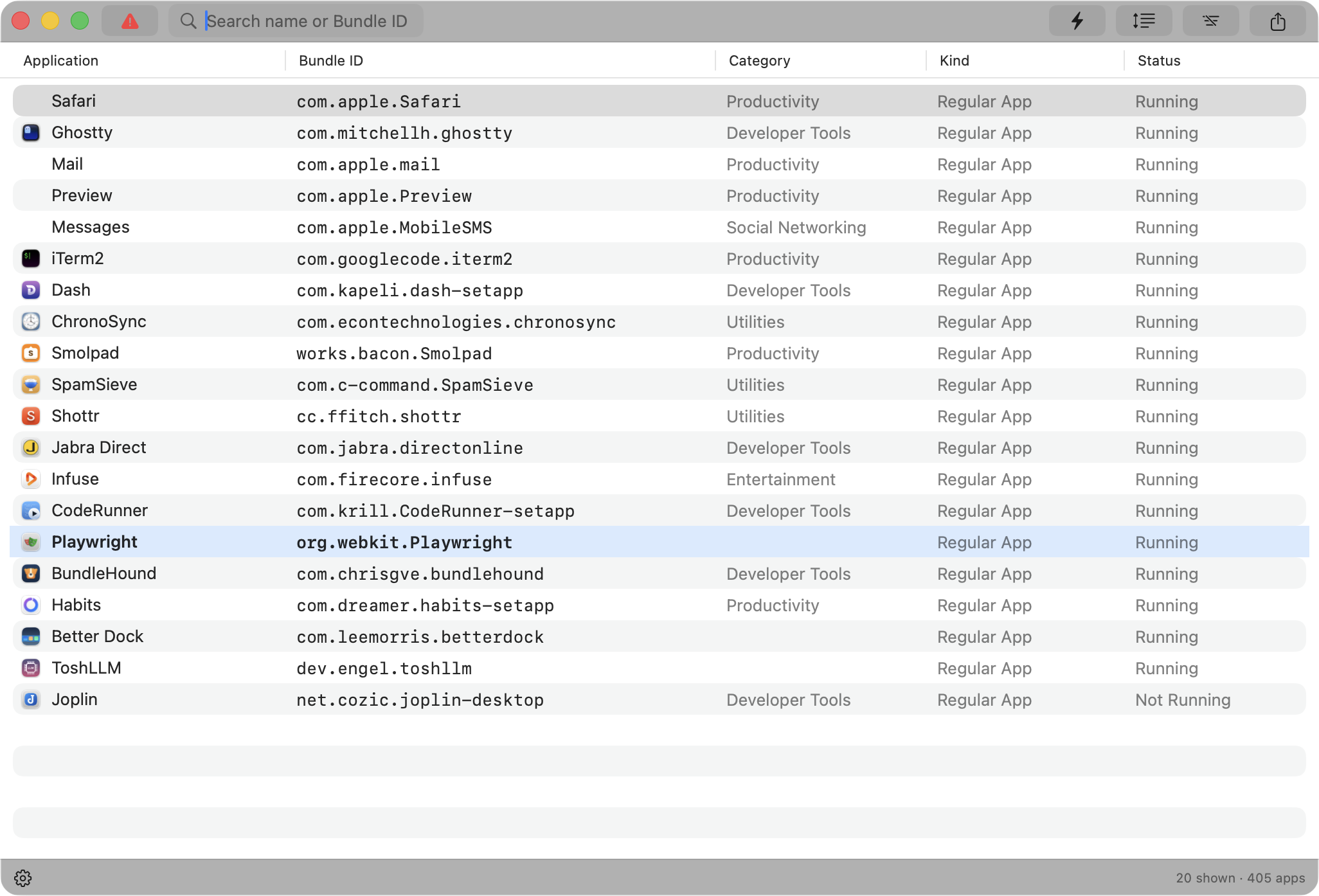
Double-click. Done.
The ID is on your clipboard. Or right-click for Copy as Format, and get the line your tool expects:
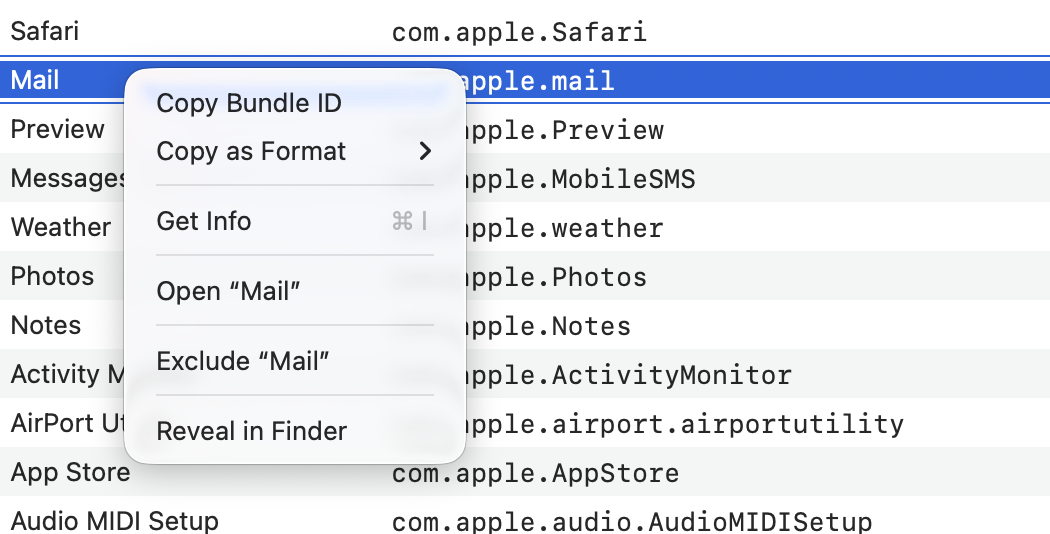
{ if = 'test %{app-bundle-id} = com.tinyspeck.slackmacgap', run = 'layout floating' },Templates for AeroSpace, Hammerspoon, Finicky, Rectangle, BetterTouchTool, AppleScript, open -b, defaults and more, or a format of your own with {bundleID}. For one app or several at once.
Everything about an app
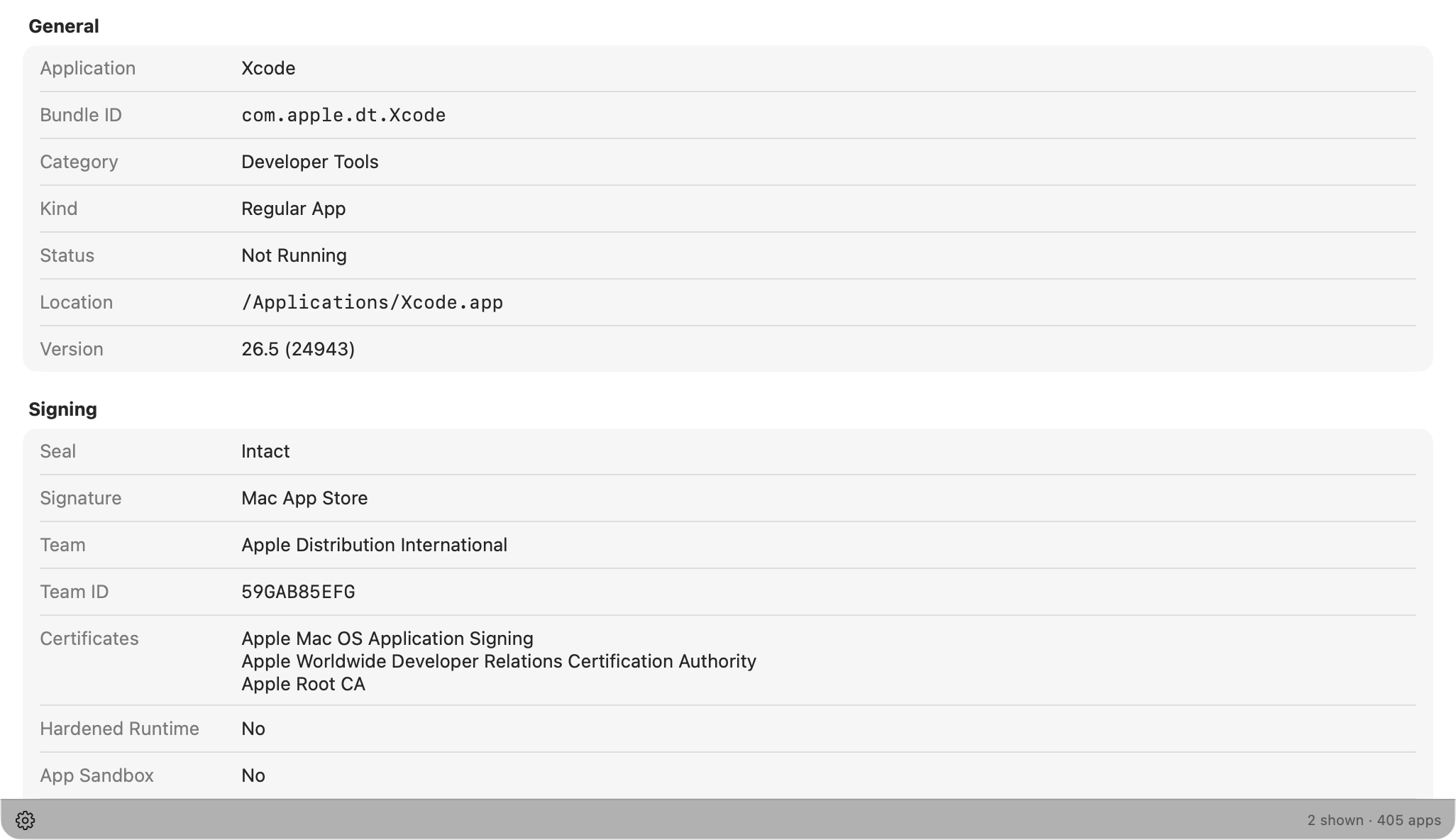
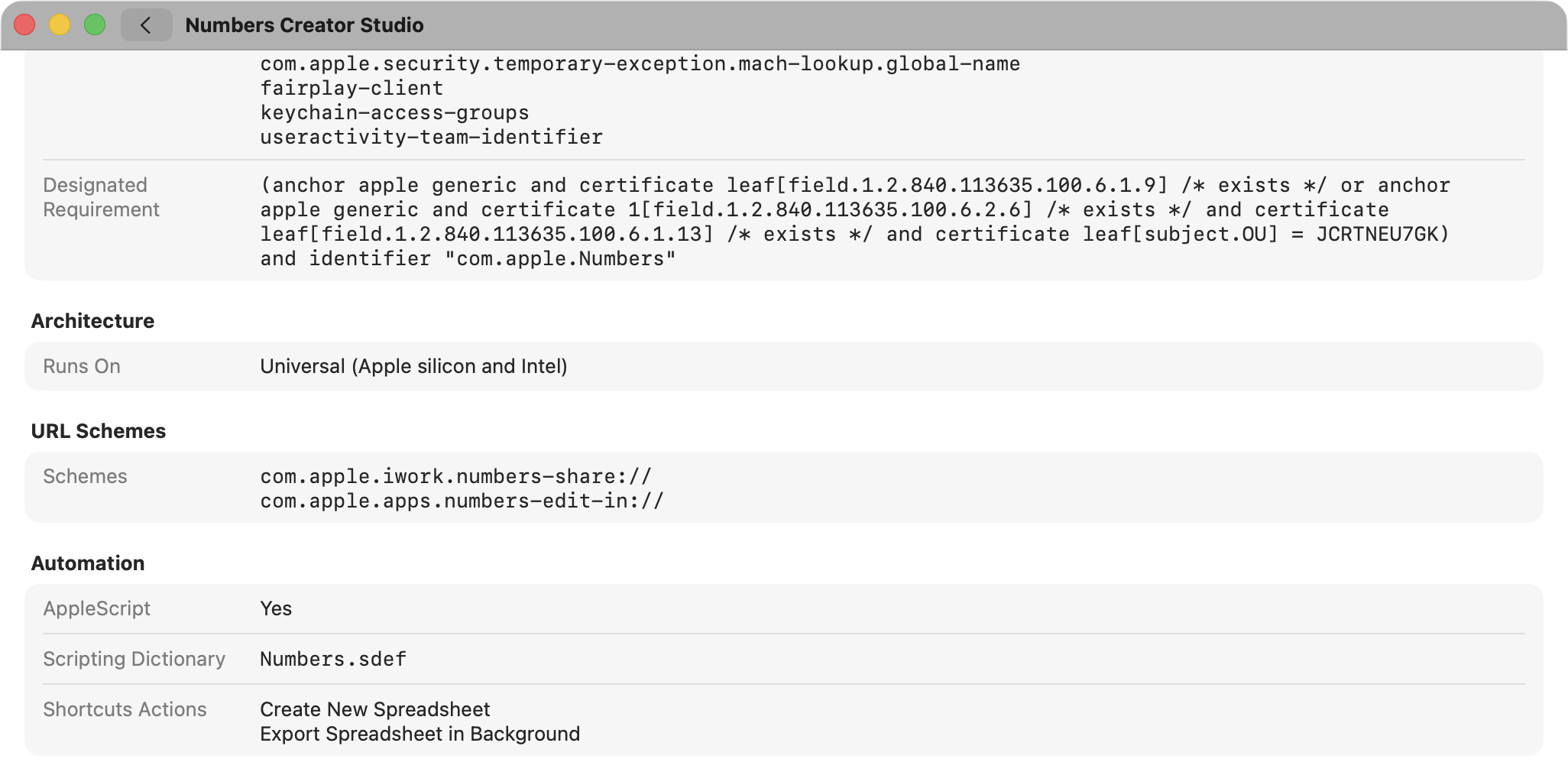
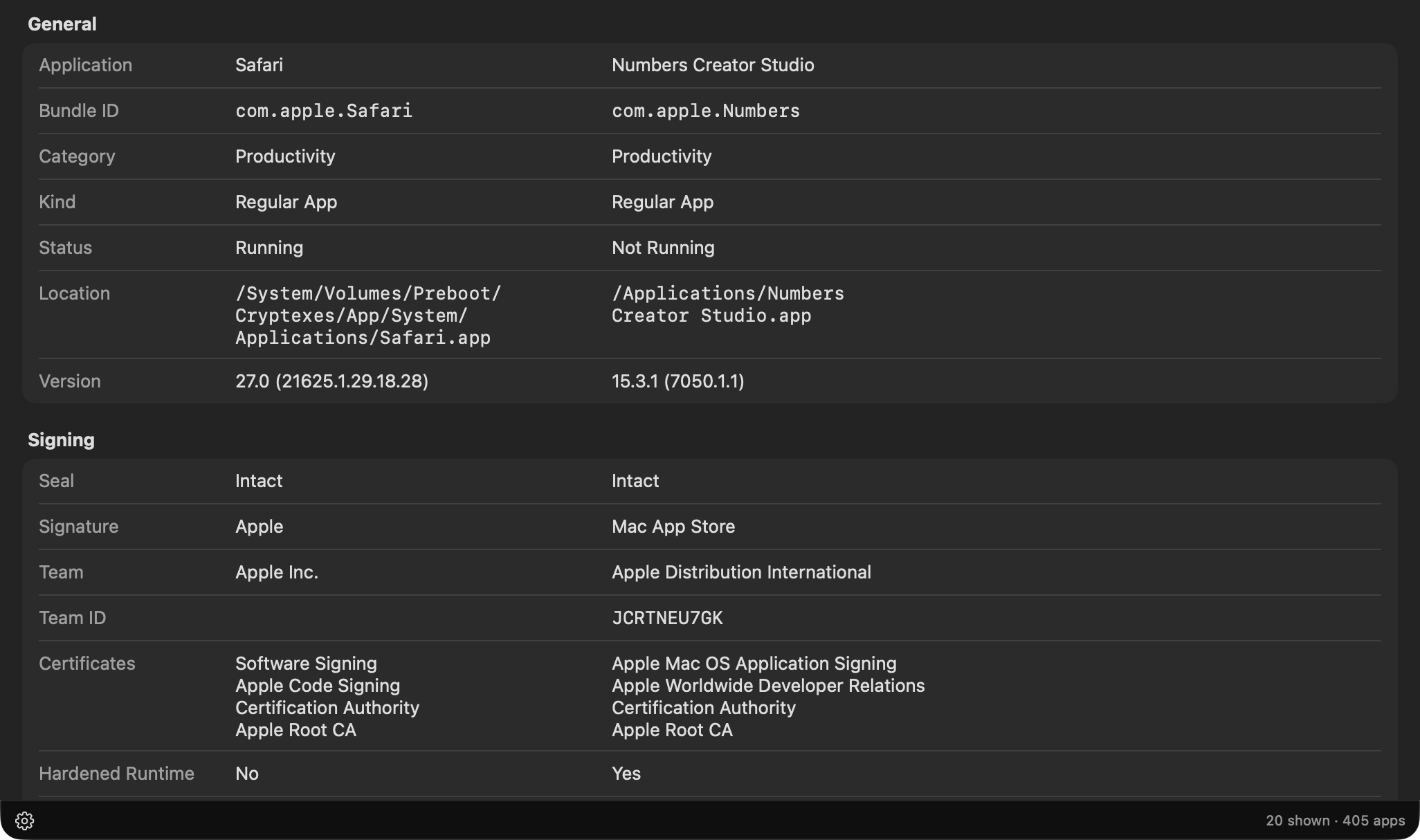
Press ⌘I: where it lives, its version, who signed it, its entitlements, the processors it runs on, the URL schemes it answers to. Every value has a copy button.
Side by side
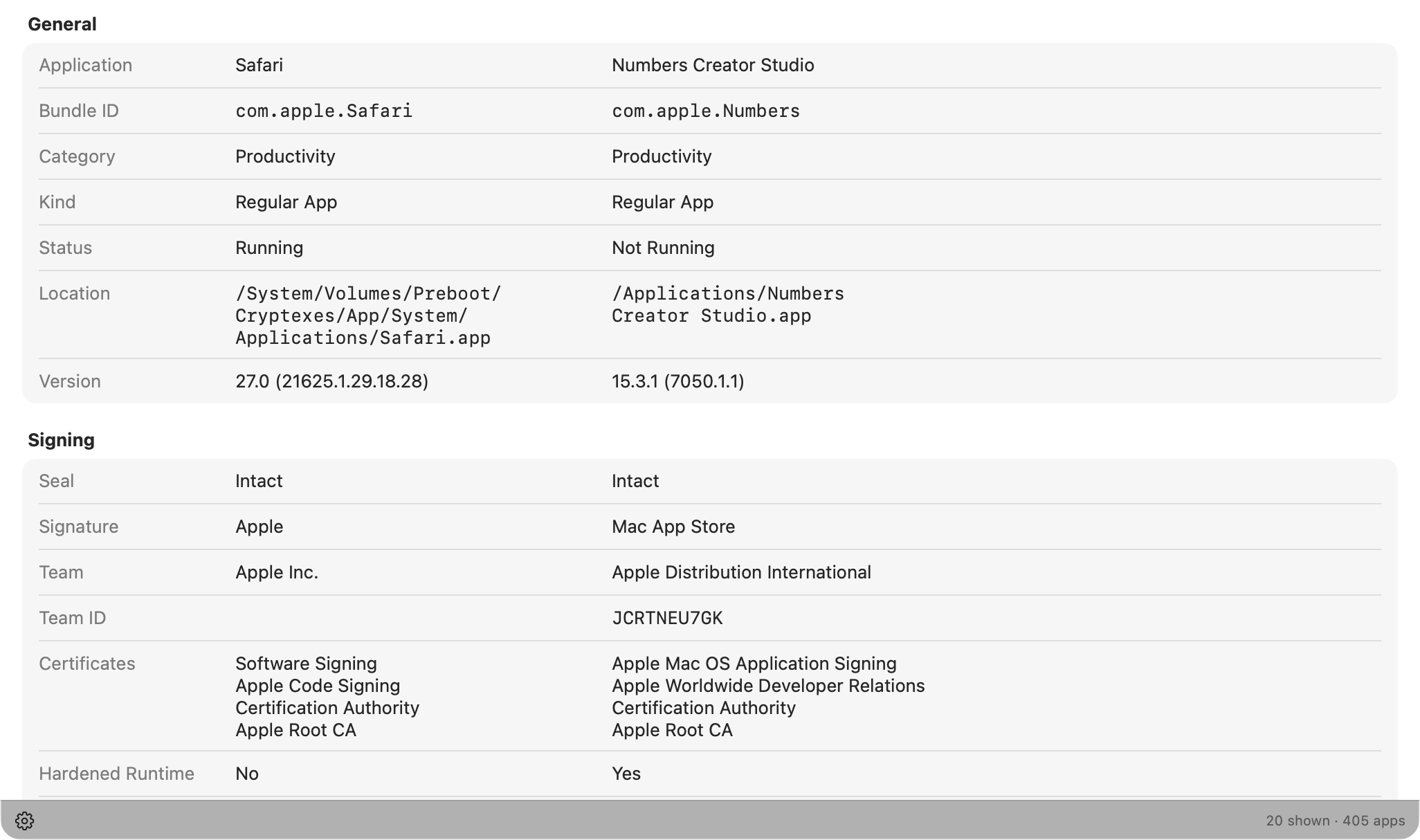
Select a few apps and ⌘I puts them next to each other.
A flag when an app’s files change
BundleHound checks each app’s code signature. If an app’s files no longer match what its developer signed, the row turns red. Sometimes that’s a harmless patch, sometimes it’s worth a closer look. The call is yours.
And the rest
- In the menu bar, the Dock, or both.
- Keyboard first: ⌘C to copy, ⌘I for information, Escape to close.
- Install or delete an app, and the list follows.
Quiet about your Mac
BundleHound works offline. The one thing it can go online for, App Store details about the apps you got from the App Store, stays off until you say yes. No account, no analytics.
Get BundleHound
For Mac.
Coming soon to the Mac App Store.
Footnotes
- The Mac can provide the bundle ID via a Terminal command. ↑